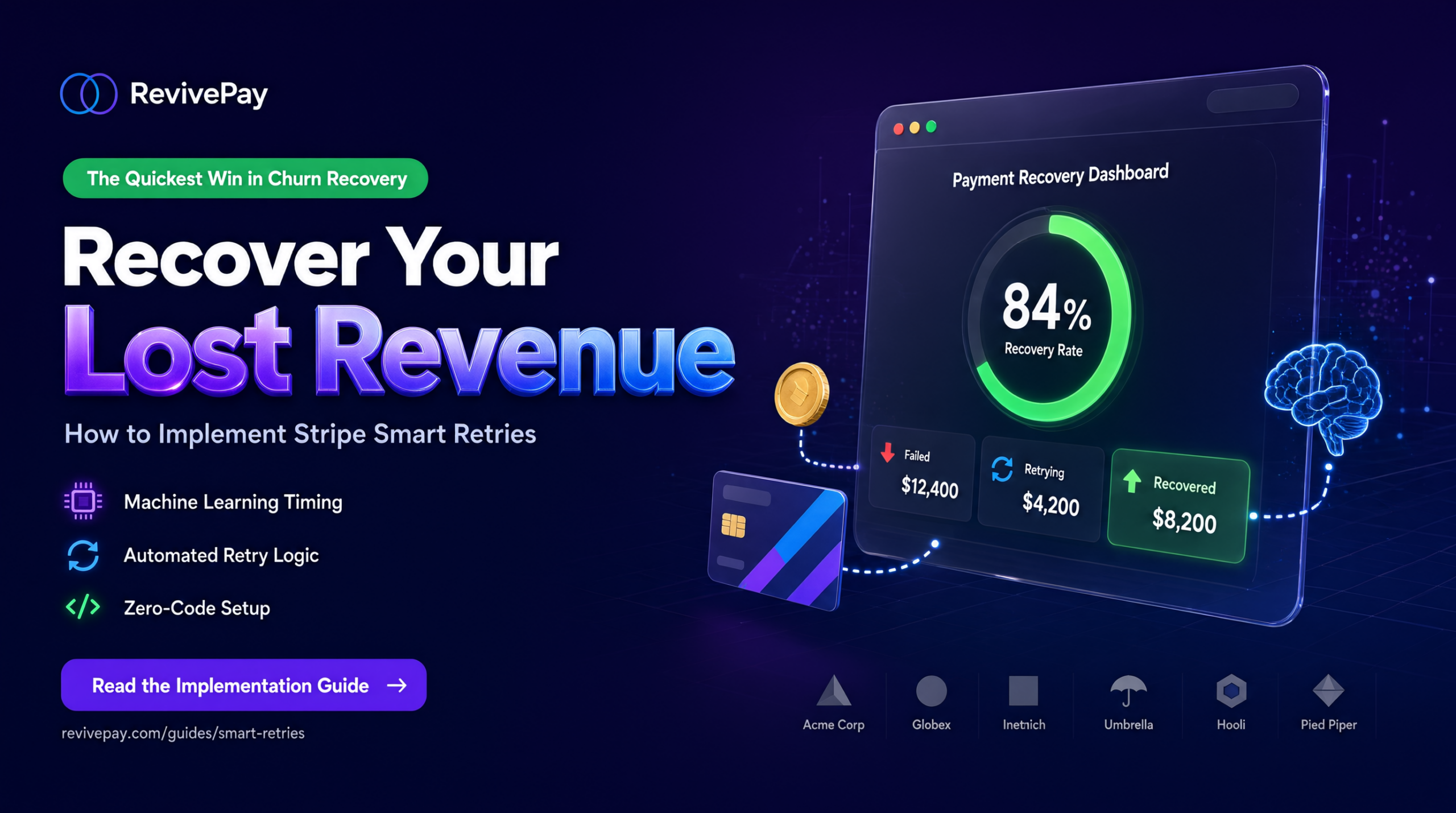
Recover Your Lost Revenue: How to Implement Stripe Smart Retries (The Quickest Win in Churn Recovery)
The Churn Nobody Talks About
You’ve been optimizing your onboarding. You’ve set up exit surveys. You’re reaching out to churned customers personally. But there’s a silent revenue leak you probably haven’t plugged yet: involuntary churn.
Involuntary churn happens when a paying customer wants to keep using your product, but their payment fails. Their card expired. The charge bounced. They changed banks. It has nothing to do with your product or pricing—it’s just bad luck and outdated payment information.
Here’s the kicker: involuntary churn is often 20–40% of your total churn, and it’s the easiest money to recover.
Most indie founders don’t realize this is happening at scale. A customer’s card fails. You don’t retry the charge. They don’t get an email telling them how to fix it. Two weeks later, their subscription is cancelled. You’ve just lost revenue to a problem that took 10 minutes to fix.
If you’re losing $1,000/month to churn, there’s probably $200–$400 of that sitting in failed payments you could recover.
The good news? Stripe has a tool that does most of this work automatically: Smart Retries. And it takes 15 minutes to set up.
Why Stripe Smart Retries Is Your First Move
Before you optimize onboarding flows or build sophisticated health scores, fix the money that’s already at your door.
Smart Retries uses machine learning to intelligently retry failed payments at the right time. Instead of trying once and giving up, it:
- Retries soft declines (temporarily failed cards) multiple times over 2 weeks
- Uses network-wide signals to pick the optimal retry time (not just a dumb schedule)
- Skips hard declines (lost/stolen cards, wrong numbers) so you’re not wasting retries
- Recovers an average of 20–40%+ of failed payments on its own
That’s often $1,000–$3,000 in annual revenue recovered per $10k MRR, with almost zero ongoing work from you.
Compare that to the effort of redesigning your onboarding or launching a new feature. Smart Retries is a 10-minute setup that pays for itself immediately.
And if you layer in customer emails (which Stripe handles automatically), you’ll recover even more because customers know they need to update their card.
How to Enable Stripe Smart Retries (Step-by-Step)
This is genuinely simple. No code. No complex configuration. Just a few clicks.
Step 1: Log In and Navigate to Retries
- Go to your Stripe Dashboard and log in.
- Navigate to Billing → Revenue recovery → Retries
- Direct link if you want to jump straight there: https://dashboard.stripe.com/revenue_recovery/retries
You should see your current retry settings. Most accounts default to a basic setup, but you can (and should) optimize it.
Step 2: Select Smart Retries
You’ll see two options:
- Smart Retries (machine learning, personalized timing)
- Custom schedule (fixed retry times)
Select Smart Retries. Stripe’s research shows it outperforms custom schedules because it adapts to individual customer payment patterns and network signals.
Step 3: Choose Your Retry Duration
Smart Retries needs to know how long you want it to keep trying before giving up. Stripe recommends:
- 8 attempts within 2 weeks (default, proven to work well for most SaaS)
- Or choose: 1 week / 2 weeks / 3 weeks / 1 month / 2 months
For most indie SaaS, 2 weeks with 8 attempts is the sweet spot. It’s aggressive enough to catch the payment when the card is updated, but not so long that you’re wasting resources on clearly dead cards.
If you’re billing monthly subscriptions, longer windows (3-4 weeks) sometimes work better because it gives customers more time to fix the issue. Start with 2 weeks and adjust based on your recovery data.
Step 4: Set What Happens After All Retries Fail
After Stripe exhausts all retries, you need to decide what happens to that subscription:
- Cancel the subscription (recommended for most indie SaaS — clean break, no past-due invoices hanging around)
- Mark as unpaid (keeps the subscription alive but unpaid)
- Leave as past_due (subscription remains in limbo)
Most indie founders should choose cancel the subscription. It keeps your billing clean and gives you the option to set up a win-back sequence later if the customer comes back.
Step 5: Save Your Settings
Click save. That’s it. Smart Retries is now live.
Step 6: Enable Customer Emails (Critical — Don’t Skip This)
Smart Retries without customer notifications is like sending postcards to an empty mailbox. Customers don’t know their payment failed, so they can’t fix it.
While you’re still in the Stripe dashboard:
- Go to Settings → Billing → Subscriptions and emails
- (Or look for Revenue recovery → Customer emails)
- Turn on emails for:
- Failed payments
- Card expiring soon (Stripe can warn customers before the card actually fails)
- Payment method needs updating
These emails include a secure link where customers can update their payment method directly. This is what actually recovers the revenue—not just the retries, but the fact that customers know they need to update their card.
Studies show that customer notification emails + Smart Retries together recover 30–55% of failed payments. Smart Retries alone recovers 20–40%. The email is the multiplier.
Optional but Recommended: Extra Settings
If you want to squeeze even more revenue recovery, consider these add-ons:
Card Account Updater
If your region supports it, enable Card Account Updater in your Stripe settings. Visa and Mastercard can automatically update expired cards on file, so a charge that would have failed actually goes through. It’s passive recovery—money you don’t have to do anything for.
Direct Debit Methods (ACH, SEPA, etc.)
If you offer ACH or SEPA payments (especially for B2B customers), configure separate retry settings under Settings → Billing → Local payment methods. These have slightly different retry logic than card payments.
One-Time Invoices
If you send standalone invoices (not recurring subscriptions), configure retry settings under Settings → Billing → Invoices → Advanced invoicing features.
How to Monitor Your Results
Once Smart Retries is live, you need to track whether it’s actually working.
Check Your Recovery Analytics
- Go back to Billing → Revenue recovery in your Stripe dashboard.
- Look at the recovery analytics:
- How many failed payments were retried?
- What’s your recovery rate (% of failures that eventually succeeded)?
- How much revenue was recovered?
After 2–3 weeks of live data, you should see your recovery rate. Most indie founders see 25–40% recovery on soft declines.
Track the Impact on Churn
Compare your involuntary churn rate before and after enabling Smart Retries:
- Before: 120 customers start month → 8 cancel from failed payments → involuntary churn = 6.7%
- After: 120 customers start month → 8 fail initially → 3 recover via Smart Retries → only 5 cancel → involuntary churn = 4.2%
That’s a 37% reduction in involuntary churn from a single feature flip.
Set Up a Webhook Alert (Optional)
If you want to build custom logic on top of Smart Retries, listen to the invoice.payment_failed webhook. It includes:
attempt_count(how many times Stripe has retried)next_payment_attempt(when the next retry will happen)
Most indie founders don’t need this level of detail at first. Just check the dashboard monthly.
Quick Tips for Indie Founders
Smart Retries is completely free. You’re not paying Stripe extra for machine learning or optimization. It just works.
Test in test mode first if you’re nervous. Stripe’s test environment mirrors the production settings, so you can make sure everything looks right before going live.
Make sure your subscriptions have a default payment method. If a subscription doesn’t have a card on file, Smart Retries can’t retry anything. (This is rarely a problem, but worth checking if your recovery rate seems low.)
Layer additional recovery tools later if you want. Once Smart Retries is humming, you can add a tool like SaveMRR or Churnkey for additional dunning sequences. But start with the Stripe native solution—it does the heavy lifting.
Track this metric monthly. Put involuntary churn in your monthly metrics spreadsheet alongside your voluntary churn. Over time, you should see it drop from 1.5–3% down to 0.5–1%. That’s the goal.
What to Do After Smart Retries Is Live
Smart Retries is the highest ROI, lowest effort move. But it’s not the only one. Once involuntary churn is handled, the next moves are:
1. Smart Cancel Flow + Pause Option
Don’t let customers cancel with one click. Add a 1-2 question cancel flow that asks why they’re leaving, and offer relevant alternatives:
- Pause for 1–3 months (for budget constraints)
- Temporary discount (for price sensitivity)
- Downgrade to a lower tier (for feature overload)
- “Talk to me” option (for specific concerns)
This routinely saves 15–30% of people who hit the cancel button. Pause options specifically see 60–70% of people eventually resume their subscription.
2. Push Annual Plans Hard
Annual subscribers churn at 1–3% monthly vs 5–8%+ for monthly subscribers. Offer 2 months free or a clear discount for yearly billing. Make annual the default/recommended option in your pricing page.
This is one of the cleanest ways to raise the ceiling of your business—fewer cancellation decisions per year means less churn.
3. Build an At-Risk Score
Track a few signals in a simple spreadsheet or tool:
- Days since last login
- Drop in core feature usage
- Failed to complete key actions
Flag accounts as “Healthy / Risky / Drifting” and get a weekly Slack alert. Reach out personally to the risky ones before they cancel. Early detection and personal outreach beat automated win-back sequences every time.
The Domino Effect of Fixing Involuntary Churn First
Here’s why starting with Smart Retries matters: it’s psychologically important.
When you recover your first $500–$1,000 in lost revenue from this single feature, it feels like progress. It’s proof that retention work actually moves the needle. That momentum helps you push harder on onboarding, exit surveys, and customer communication.
Plus, you’re not leaving money on the table while you’re building other things.
So set up Smart Retries this week. Let it run for 2 weeks. Check your recovery rate. Then move on to the next highest-leverage moves.
That’s how indie founders build sustainable SaaS businesses—one high-ROI lever at a time.
Need Help With the Next Steps?
Once Smart Retries is live and recovering revenue, the logical next steps are:
- Setting up a smart cancel flow (exact flow recommendations for your product)
- Building a simple at-risk scoring system (which metrics matter most for your customers)
- Designing your annual plan incentives (discount structure + positioning)
- Creating a win-back email sequence (for people who already cancelled)